Reboot
Device feeling slow or display laggy? Try a reboot first — it fixes most transient issues.
Software Reboot
Go to Settings → Maintenance → click the "Reboot Device" card → confirm.
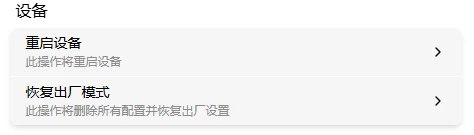
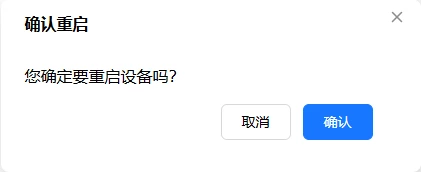
After about 20–30 seconds, the OLED shows the IP again — you can reconnect. No configuration is lost.
Hardware Reboot
System frozen or network misconfigured and can't connect? Short-press the reboot button on the device for an instant reboot — no configuration is lost.